DataSymbol Barcode Scanner1.7
Publisher Description
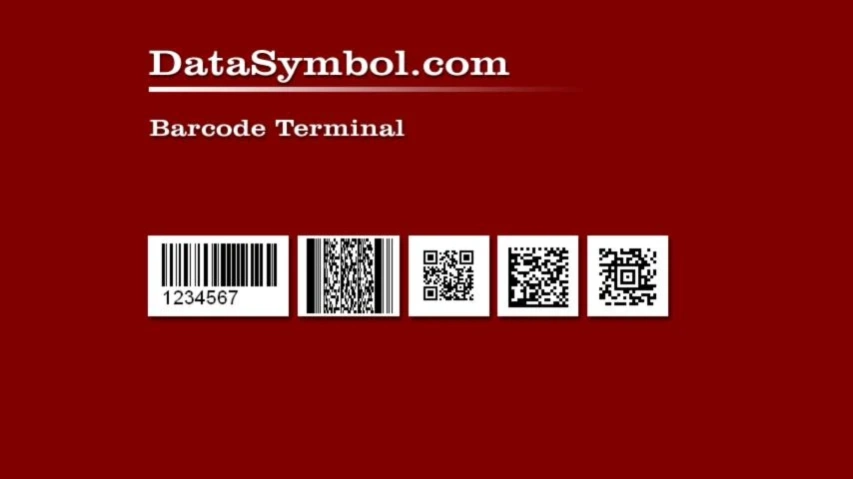
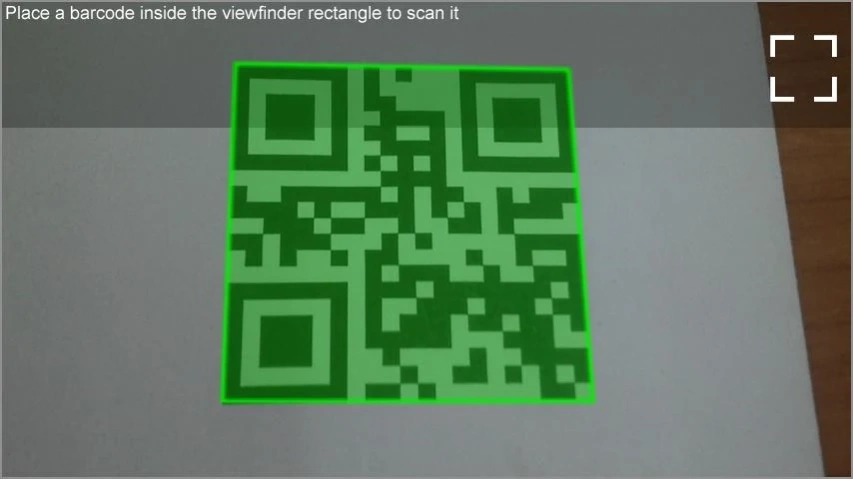
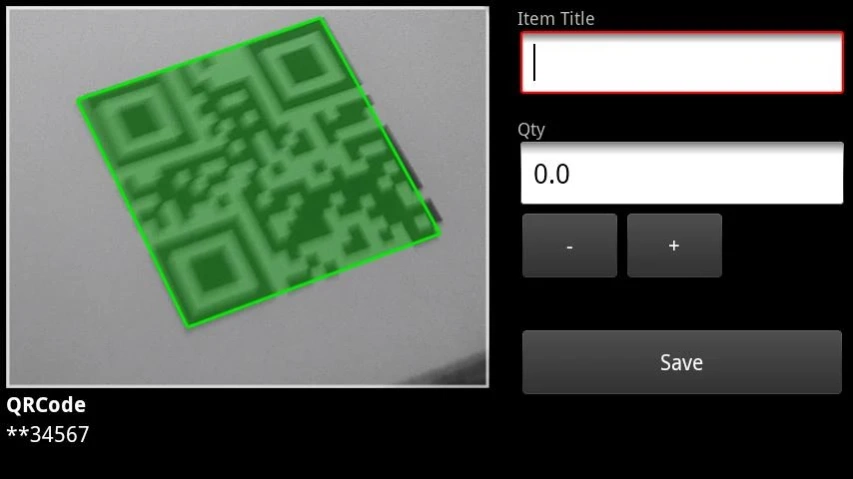
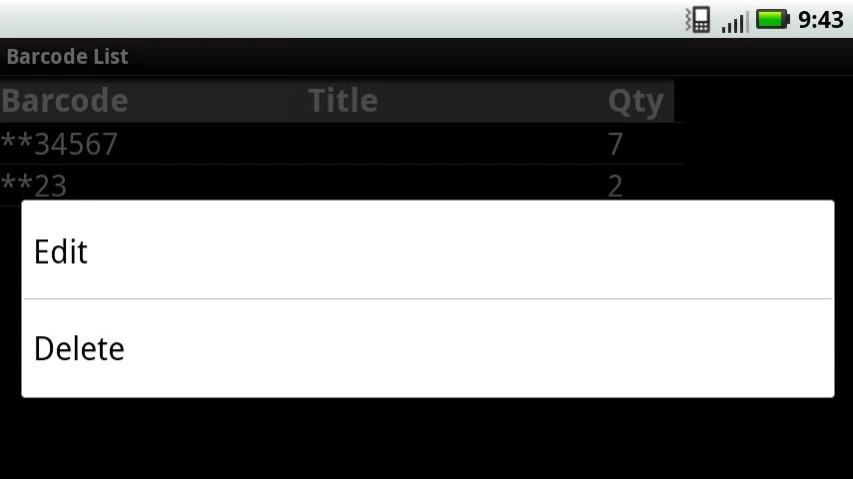
DataSymbol Barcode Terminal Decodes all popular barcode types
DataSymbol Barcode Terminal
Decodes all popular barcode types:
Linear:
Interleaved 2/5, Industrial 2/5, Code 39, Code 39 Extended, Codabar, Code 11, Code 128, Code 128 Extended, EAN/UCC 128, UPC-E, UPC-A, EAN-8, EAN-13, Code 93, Code 93 Extended, DataBar Omnidirectional (RSS-14), DataBar Truncated (RSS-14 Truncated), DataBar Limited (RSS Limited), DataBar Stacked, DataBar Expanded, DataBar Expanded Stacked.
2D:
PDF417
QRCode
DataMatrix
Aztec Code
High performance and reliable barcode decoding. It reads torn, crumpled barcodes and also barcodes corrupted in other ways. Decodes barcodes printed on various surfaces - plastic surfaces, distorted surfaces, etc.
Supports "WiFi Scanner" - sends barcodes on VNC server (Authentication: None or VNC; Encryption: off)
Works on the same core as main SDK http://www.DataSymbol.com
About DataSymbol Barcode Scanner
The company that develops DataSymbol Barcode Scanner is RKD Software. The latest version released by its developer is 1.7.
To install DataSymbol Barcode Scanner on your Android device, just click the green Continue To App button above to start the installation process. The app is listed on our website since 2018-06-28 and was downloaded 57 times. We have already checked if the download link is safe, however for your own protection we recommend that you scan the downloaded app with your antivirus. Your antivirus may detect the DataSymbol Barcode Scanner as malware as malware if the download link to com.datasymbol.barcodeclient is broken.
How to install DataSymbol Barcode Scanner on your Android device:
- Click on the Continue To App button on our website. This will redirect you to Google Play.
- Once the DataSymbol Barcode Scanner is shown in the Google Play listing of your Android device, you can start its download and installation. Tap on the Install button located below the search bar and to the right of the app icon.
- A pop-up window with the permissions required by DataSymbol Barcode Scanner will be shown. Click on Accept to continue the process.
- DataSymbol Barcode Scanner will be downloaded onto your device, displaying a progress. Once the download completes, the installation will start and you'll get a notification after the installation is finished.
Program Details
System requirements
Download information
Pricing
Version History
version 1.7
posted on 2018-06-28
pssible SQL Injection issue has been fixed
